About Ads
The MediaPress Ads plugin allows you to integrate Google Ads onto your site, allowing you to easily embed adverts into your posts and pages.
Advertising slots
Ad slots are configurable, but by default, MediaPress Ads provides a default range of slots which align with Google recommendations relating to the most popular ad sizes. You can read more on this in Google’s guidance here.
Some blocks can house multiple sizes of image, in these instances Google will serve the most appropriate ad size for what will work best.
MediaPress Ads includes the following slots by default:
article_banner
Also known as leaderboard or mobile leaderboard depending on device, this ad slot would typically be expected to be inserted above the main content.
Sizes:
- 320 x 50px / 320 x 100px on mobile
- 320 x 50px / 320 x 100px / 300 x 250px on large mobile
- 728 x 90px / 728 x 50px on tablet/desktop
Example:

article_mpu
Also known as medium rectangle, this slot is expected to be placed in sidebars, which may stack on mobile, or within content.
Sizes:
- 300 x 250px any device
Example:

article_largeMpu
Also known as half page, this slot is an alternative / double height version of the article_mpu.
Sizes:
- 300 x 600px
Example:
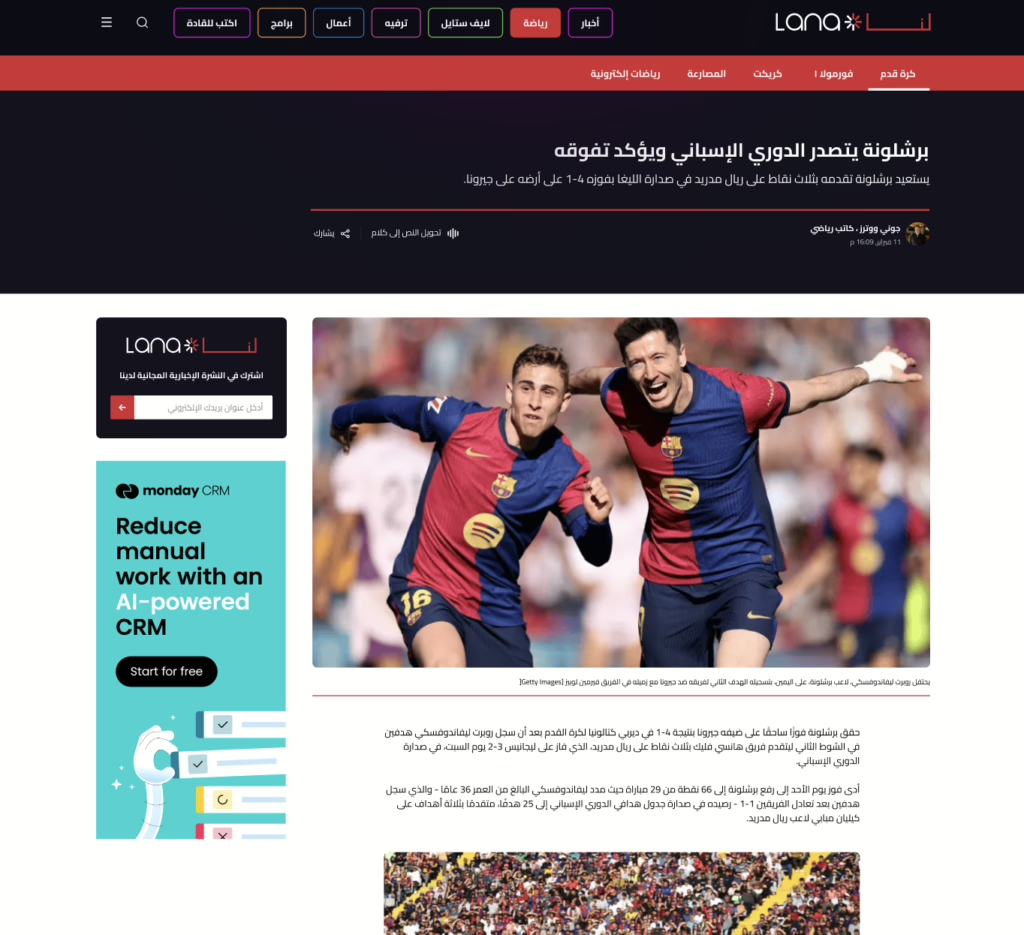
article_skyscraper
Also known as wide skyscraper, this ad slot is expected to be placed in sidebars.
Sizes:
- 160 x 600px
Example:
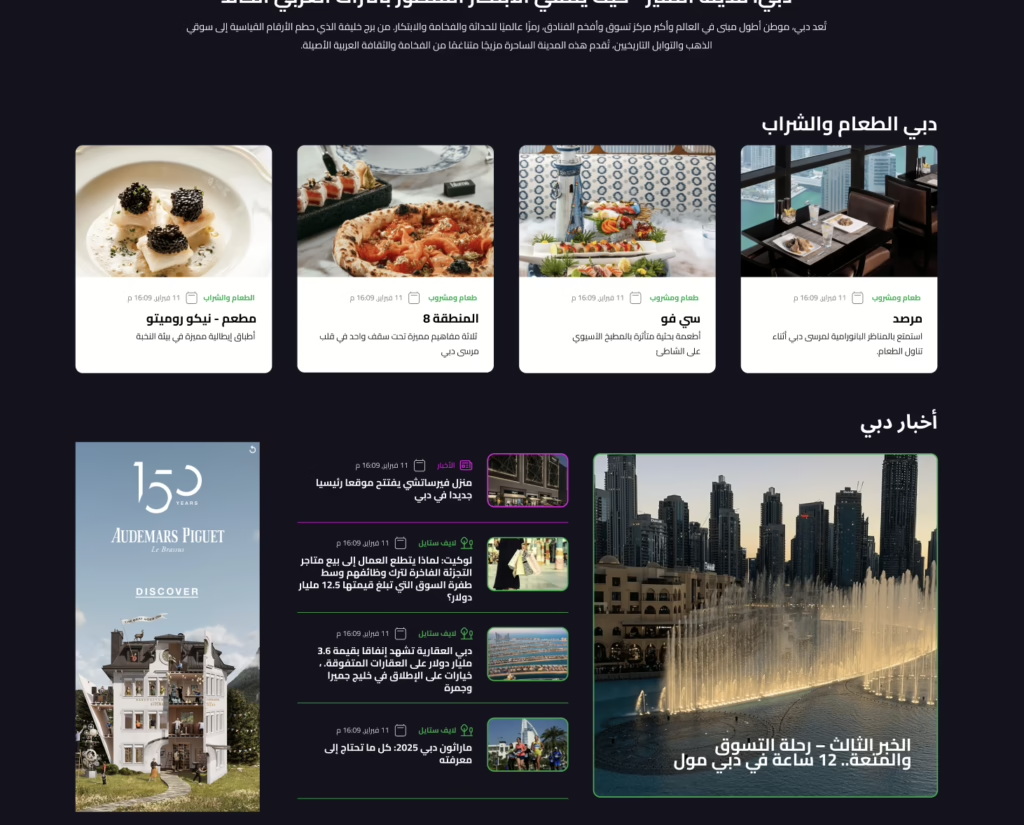
article_inread
This ad slot is intended to be injected automatically within article content – on the Lana site this is currently every 6th paragraph.
Sizes:
- 320 x 50px / 320 x 100px / 300 x 250px on mobile
- 320 x 50px / 320 x 100px / 300 x 250px / 728 x 90px on tablet
- 320 x 50px / 320 x 100px / 300 x 250px / 728 x 90px / 728 x 250px on desktop
Example:

Using Ad Blocks
Ad unit path
Before inserting ad blocks into your posts and templates you will need to ensure you have the ad unit path configured for your site.
For Lana this is already set up, but should you wish to change it this can be found in Site Settings and then MediaPress Ads
Manually adding Ad Blocks
On the Lana site, a number of ad blocks are already inserted into your templates by default. However, you also have the option to insert blocks into templates and posts should you wish to.
The ad blocks can be found in your block library:
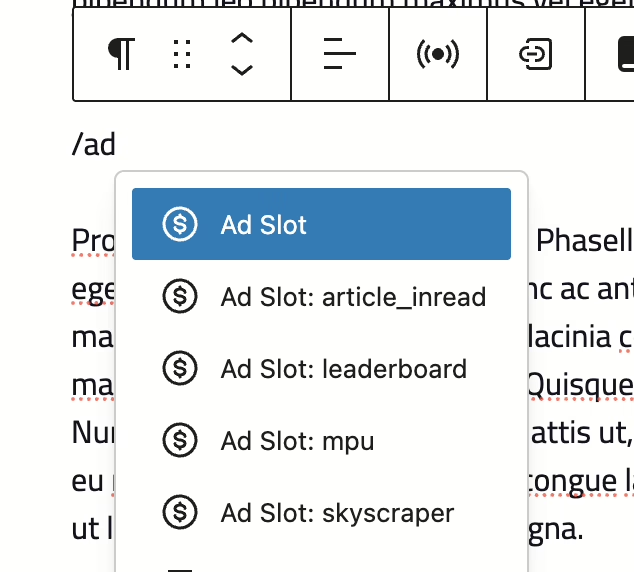
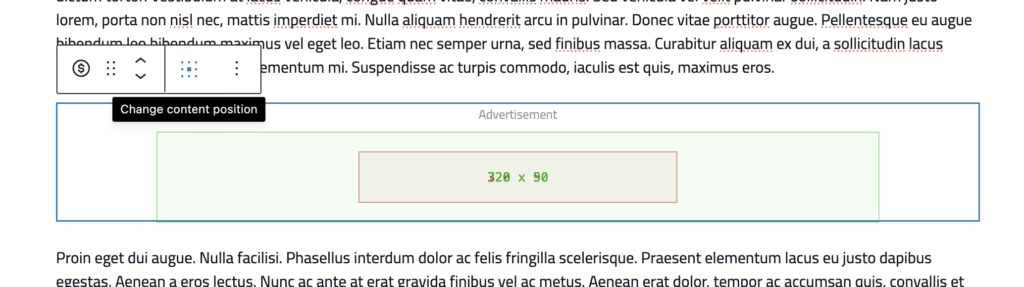
When you add an Ad Slot to your post you will see a placeholder appear, outlining the different sizes that Google may opt to show in that slot.
You will also see an option to amend the content position if you wish.
In the block settings you will also see some additional options:
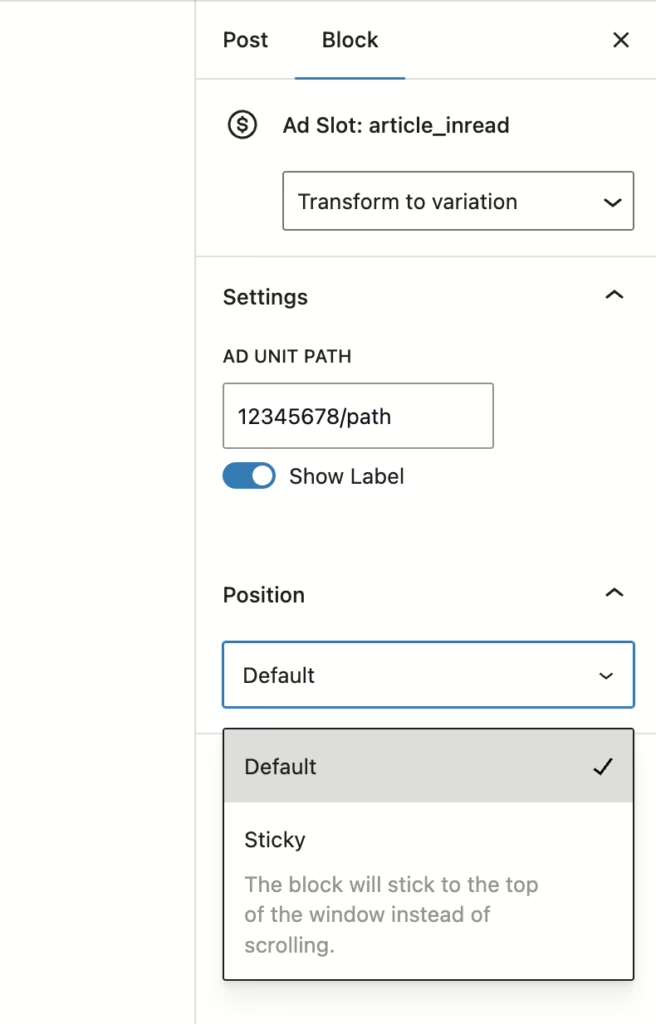
- Transform to Variation – this allows you to change your ad slot to an alternative ad block
- Ad Unit Path – this will be populated with the default from your site settings, however if you wish to override it on a specific ad block you can do that here
- Show Label – this determines where the ‘Advertisement’ text appears above your ad block or not.
- Position – You can use this dropdown to determine if an ad should stick to the top of the window. This will keep the ad in view longer.